Why Indian Business Owners Need to Take OTP Security Seriously in 2026
If you run a small business in India, chances are you use OTP (One-Time Password) verification every single day — to log in to your GST portal, access your business bank account, verify your Google Business Profile, or manage your UPI payments. OTP is now the backbone of digital security for Indian businesses. But most small business owners use it without understanding how it works, what can go wrong, and how to protect themselves.
This guide is written specifically for Indian small business owners, freelancers, and shop owners who want to keep their business accounts safe in 2026.
What Is OTP Verification and Why Does It Matter for Your Business?
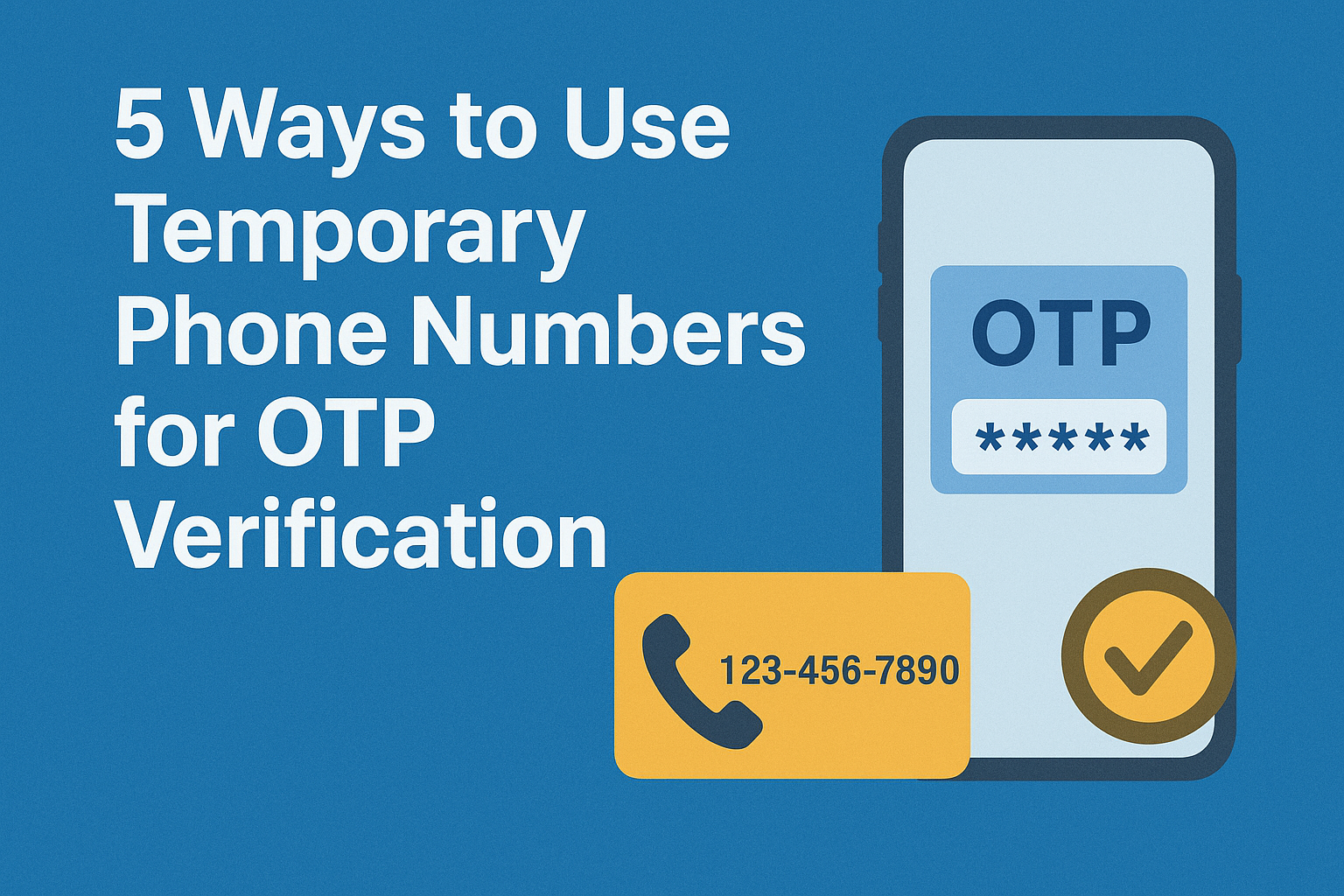
OTP stands for One-Time Password — a temporary numeric code sent to your registered mobile number or email that expires within 30 to 60 seconds. It is used as a second layer of verification (called two-factor authentication or 2FA) to confirm that you are the real owner of an account.
For Indian business owners, OTP verification protects some of your most important assets:
- GST portal (gst.gov.in) — OTP required for every login and return filing
- Business bank accounts — OTP required for all NEFT, RTGS, and UPI transactions
- Google Business Profile — OTP required to verify and manage your listing
- Income Tax e-filing portal — OTP required for ITR submission and Aadhaar verification
- Udyam registration portal — OTP required for MSME registration
- WhatsApp Business — OTP required to set up and recover your business account
If someone gains access to your OTP, they can take over any of these accounts. This is why protecting your OTP is as important as protecting your business keys or cash.
5 OTP Security Practices Every Indian Business Owner Should Follow
1. Always use your own dedicated business mobile number
Many small business owners in India register all their business accounts — GST, bank, Google Business — on their personal mobile number. This is risky. If you lose or change your personal number, you lose access to critical business accounts. Register a separate SIM card exclusively for your business accounts. Keep this number consistent and never share it publicly.
2. Never share OTPs over WhatsApp, phone calls, or SMS
One of the most common scams targeting Indian business owners in 2026 involves fraudsters calling and posing as bank representatives, GST officers, or Google support agents and asking for your OTP. No legitimate institution — no bank, no government portal, no Google — will ever ask you to share an OTP over a call or message. If someone asks for your OTP, it is a scam. Disconnect immediately.
3. Update your registered mobile number promptly if you change numbers
If you change your business mobile number, update it immediately across all platforms — your bank, GST portal, income tax portal, and Google Business Profile. An outdated registered number means OTPs go to a number you no longer control, leaving your accounts vulnerable or locked.
4. Enable OTP-based login on all business platforms that support it
Many platforms used by Indian businesses offer optional OTP verification as a second factor. Always enable it. This includes your email account (Gmail, Outlook), your payment gateway accounts (Razorpay, PayU), your e-commerce seller accounts (Amazon, Flipkart), and your social media business pages. An account without OTP protection is far easier to hack.
5. Be careful with public Wi-Fi when entering OTPs
Many small business owners in India work from cafes, co-working spaces, or shared offices. Entering OTPs on public Wi-Fi networks can expose you to interception. If you must use public Wi-Fi, avoid logging into banking or government portals. Use your mobile data instead for any transaction that involves an OTP.
What to Do If Your Business Account OTP Is Being Sent to the Wrong Number
This is a common problem for Indian businesses — especially when a business was originally registered with a CA or consultant’s number, or when the founder has changed their mobile number. Here is what to do:
- GST portal: Log in with your username and password → go to My Profile → update mobile number → verify with Aadhaar OTP
- Income Tax portal: Contact your Jurisdictional Assessing Officer (AO) to update your registered number
- Bank account: Visit your branch in person with ID proof to update your registered mobile number
- Google Business Profile: Use the Google Business support chat to verify ownership and update your number
How OTP Security Connects to Your Business Directory Listing
When you list your business on a verified directory like ContactDirectoryAI, the phone number you provide is the one customers will call and the one you use to verify your listing. Keeping this number active, consistent, and secure is essential — not just for OTP verification, but for your customers to be able to reach you reliably.
An outdated or insecure business number means lost customers, locked accounts, and damaged credibility. Treat your registered business mobile number as one of your most important business assets.
Quick OTP Security Checklist for Indian Business Owners
- Use a dedicated SIM card for all business account registrations
- Never share OTPs with anyone over call, SMS, or WhatsApp
- Update your registered number immediately when you change SIMs
- Enable OTP-based 2FA on all business platforms that support it
- Avoid entering OTPs on public Wi-Fi — use mobile data instead
- Check that your GST, bank, and tax portal all have the same active number
- Report any suspicious OTP requests to your bank or cybercrime helpline (1930)
Final Word
OTP verification is the first line of defence for your business accounts in India. The businesses that treat it seriously — with a dedicated number, consistent registration, and strong awareness of scams — are the ones that avoid costly account lockouts and fraud. Take ten minutes today to audit which number is registered across your key business platforms. It is one of the simplest and most important things you can do to protect your business in 2026.